Summary
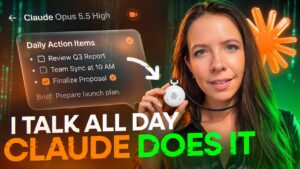
Sabrina Ramonov demonstrates how to automate social media posting from ChatGPT using the Blotato plugin. She explains that ChatGPT and other AI agents cannot publish directly to social platforms, so a third-party approved tool is needed to handle scheduling and posting.
The tutorial starts by teaching ChatGPT about your business and voice. She prompts it to interview her until it understands who she is, uses dictation mode to answer, and then has it draft a LinkedIn post and refine it with feedback. Next she creates a Blotato account, connects social accounts, installs the plugin from ChatGPT’s plugins menu, and publishes the post with a single instruction, including the permission options ChatGPT offers.
She also covers posting images and video. Users on the ChatGPT website can link files from a publicly accessible Google Drive folder, while those using the desktop app or ChatGPT’s computer-access mode can attach local files directly and let Blotato host the media. A content calendar shows upcoming posts across platforms. Note that Ramonov is the founder of Blotato. The video suits creators and small businesses who want to cut the hours spent distributing content.
📺 Source: Sabrina Ramonov 🍄 · Published November 12, 2026
🏷️ Format: Tutorial Demo